1. Choose
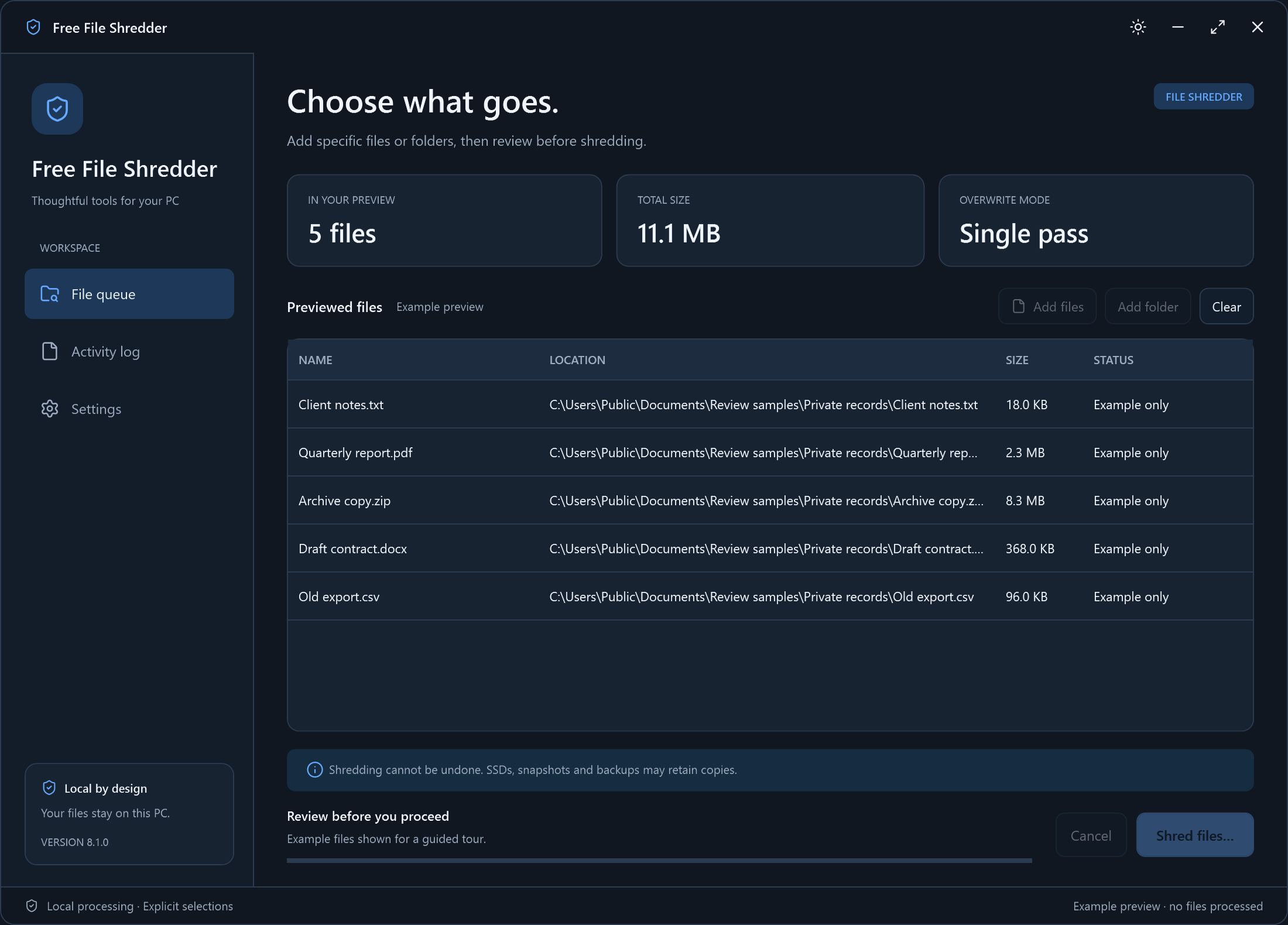
Add the files you want to remove permanently.
Free File Shredder for Windows
Delete sensitive files with an overwrite pass before removal. Review your selection, then shred it on your Windows PC.
Version 8.1.0 · Windows 10/11 · 64-bit · 17.9 MB
 View original screenshot
A Clear Workflow
Choose your files or settings, review your choice, then start.
Add the files you want to remove permanently.
Check every path and confirm the irreversible action.
Overwrite the selected files, then remove them.
Built Around Your Task
Use an explicit file selection and a confirmation step for a task that cannot be undone.
Read The Step-by-Step GuideSee the exact selected paths before shredding begins.
The BleachBit engine processes your selected files locally.
Overwriting does not guarantee erasure on SSDs, snapshots or backups.
Shredding is irreversible. This app targets selected regular files, not free-space wiping, whole drives or backup copies. SSD wear levelling, copy-on-write storage, cloud versions and snapshots can retain earlier data.
Your Workspace, Your Choice
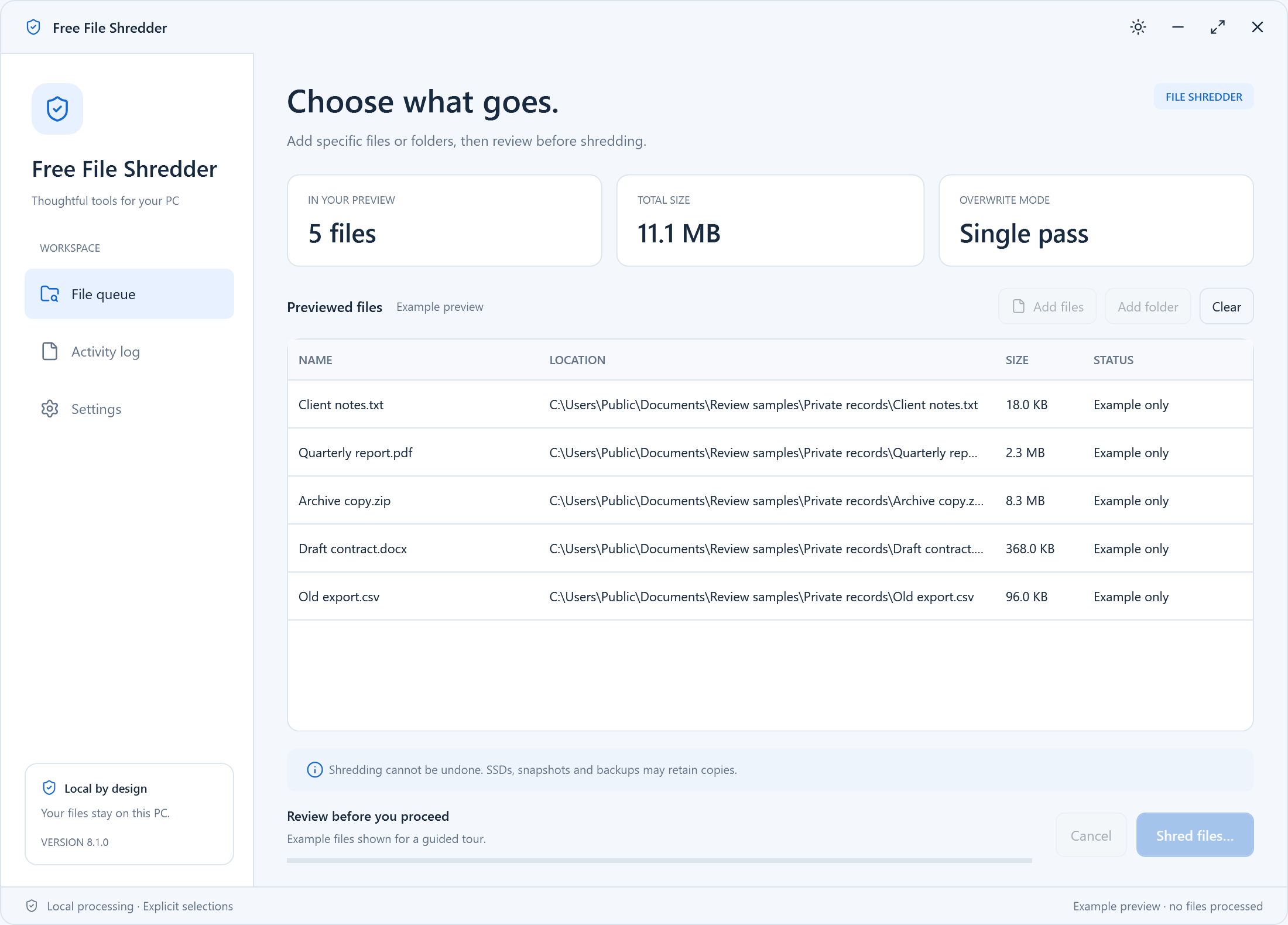
Start in dark mode or switch to light. Your theme is remembered.
View original screenshotDark theme · Actual Windows interface · Click for the original PNG
 View original screenshot
Light theme · Actual Windows interface · Click for the original PNG
Practical Help
Choose specific files, review the paths and confirm irreversible shredding.
Understand SSDs, backups and what a file overwrite can and cannot remove.
Check inputs, access and cancellation before trying again.
Questions, Answered
Straight answers about the current version and its limits.
No. Confirmed shredding overwrites and removes the selected files. Keep a separate copy of anything you may need before continuing.
Cancel stops further processing. Any bytes already overwritten or files already removed cannot be restored by Cancel.
No. SSD controllers, snapshots and cloud backups can retain copies outside the file being overwritten. Use your device manufacturer's secure erase guidance before disposing of an entire drive.
The app rejects protected system locations and unsafe links. Select only files you own and have deliberately chosen to remove.
The app uses BleachBit's real file-shredding engine. Engine notices and corresponding source are supplied with this release.
Free Windows Download
Free File Shredder 8.1.0 · Windows 10/11 (64-bit)
Download Free for WindowsNo account needed to use the app. Installation details · Source & licenses